AI Room Renovation

Transform Any Room with AI

Upload a photo of your room, pick a style, and see the result in seconds.

Try it free →
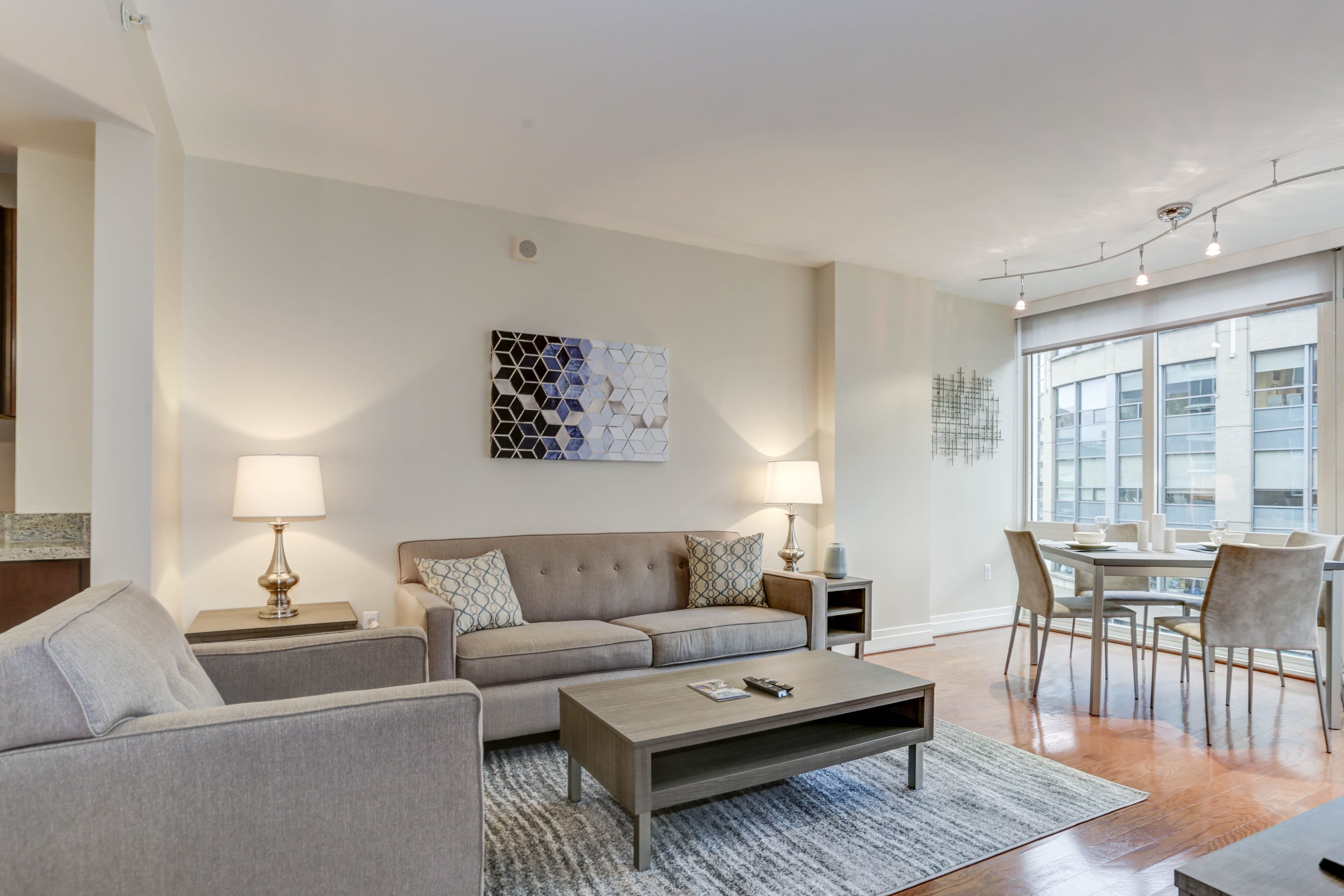
BeforeBefore
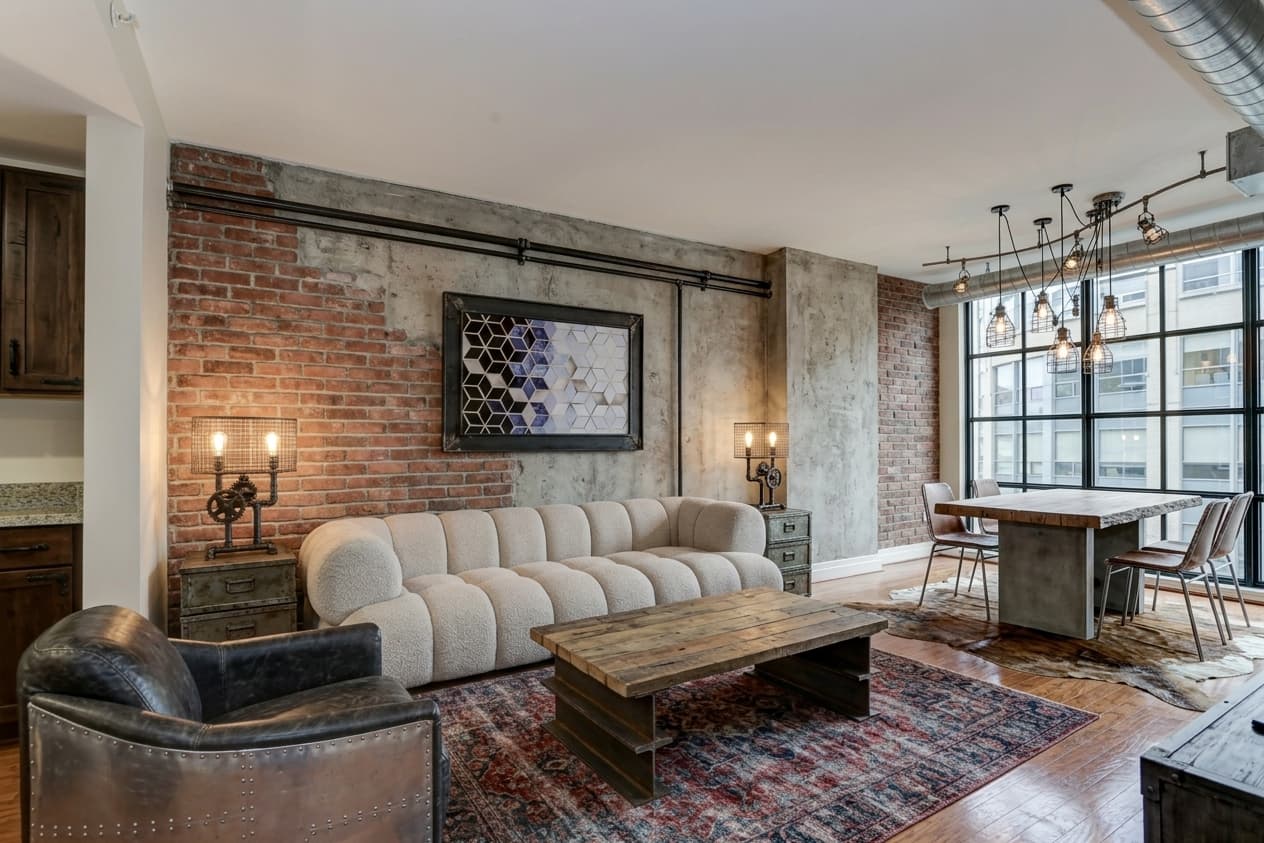
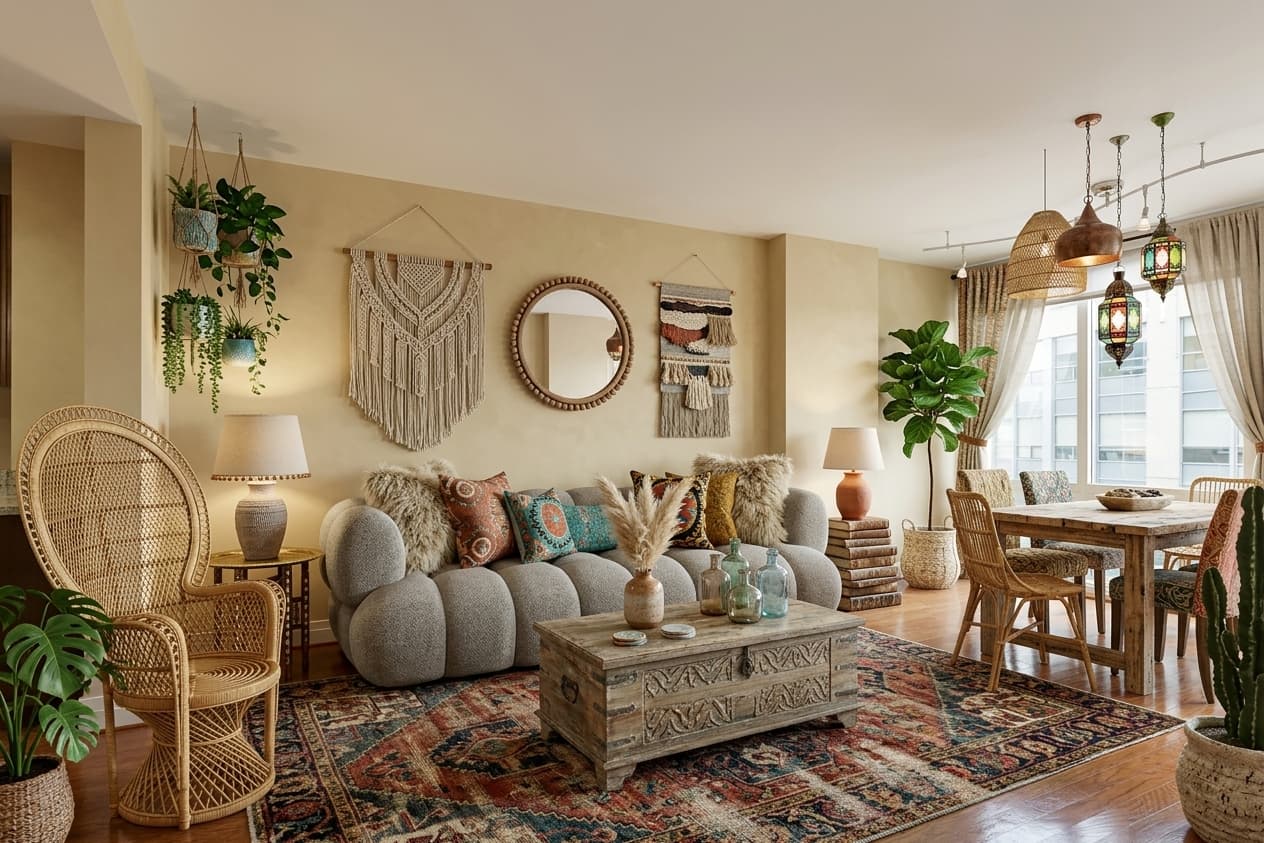
AfterAfter

Choose Your Style

8 interior design styles to choose from

🌿Scandinavian
🎋Japandi
🔩Industrial
🌻Boho
💎Luxury
Minimalist
🪵Rustic
🎨Eclectic

How It Works

1

Upload a room photo

Take a photo of any room in your home.

2

Pick a style

Choose from 8 AI interior design presets.

3

Download your result

Get your renovated room image in seconds.

More Examples

BeforeBefore
AfterAfter

Simple credit pricing

Buy credits, use them however you like — no subscriptions

Your AI portrait awaits

Join thousands of creators who use WizardAI to bring their vision to life.

Try it free

Frequently asked questions

Direct answers for search engines, LLMs, and people comparing AI photo tools.

What is WizardAI?

WizardAI helps you turn selfies into headshots, dating photos, portraits, and profile pictures, with AI editing tools for quick clean-up and enhancement. You can browse styles first, then create polished images for work, social profiles, and personal projects.

Can I create LinkedIn headshots from a selfie?

Yes. WizardAI supports professional AI headshots and business portraits that start from selfies. You can browse style pages first, then generate LinkedIn-ready images once you sign in.

Can I make AI dating app photos?

Yes. WizardAI includes portrait styles that work well for dating profile photos, lifestyle portraits, fashion looks, and more expressive social images.

Do I need a photographer or studio session?

No. WizardAI is designed to replace much of the friction of a traditional photo shoot by using selfies, public style examples, and AI generation workflows in the browser.

What photo tools are available besides portraits?

WizardAI also includes public AI tool pages and in-app tools for background removal, upscale, image restoration, crowd removal, and other practical image edits.

Available in Telegram